01
Film color from the moment you shoot
The preview shows film-style tones, grain, and light leaks as you shoot. Switch presets and the screen updates right away. You can also choose an unedited mode with no color applied.
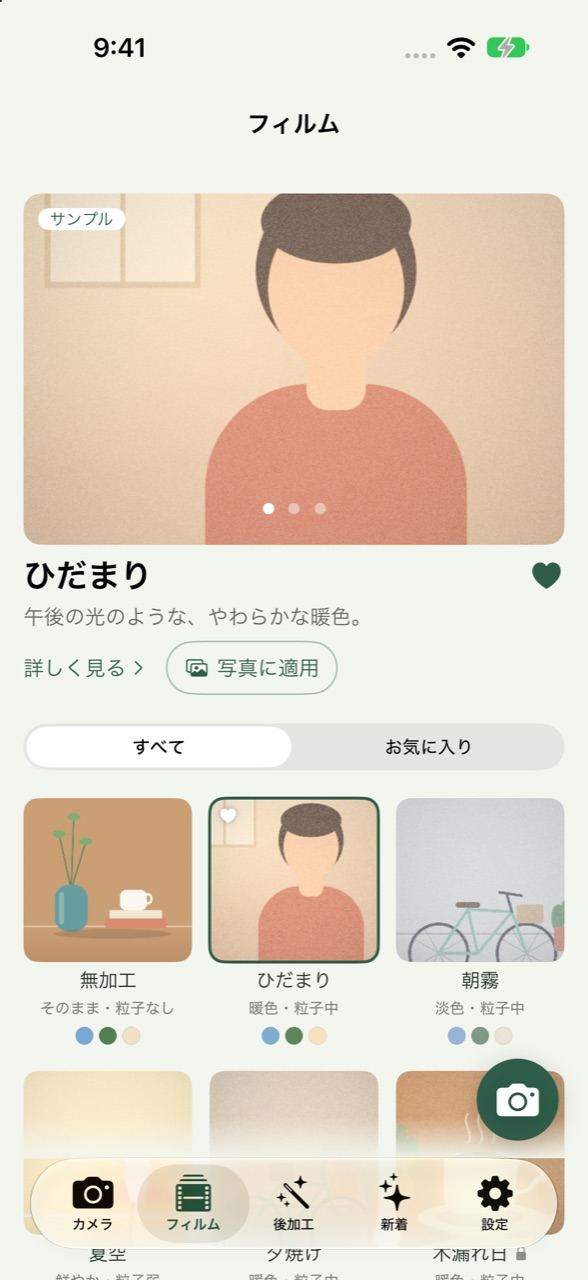
 Sunlit Film
A camera that adds film-style color and grain from the moment you shoot. You can also layer film looks onto photos already in your camera roll, with a date or a short note.
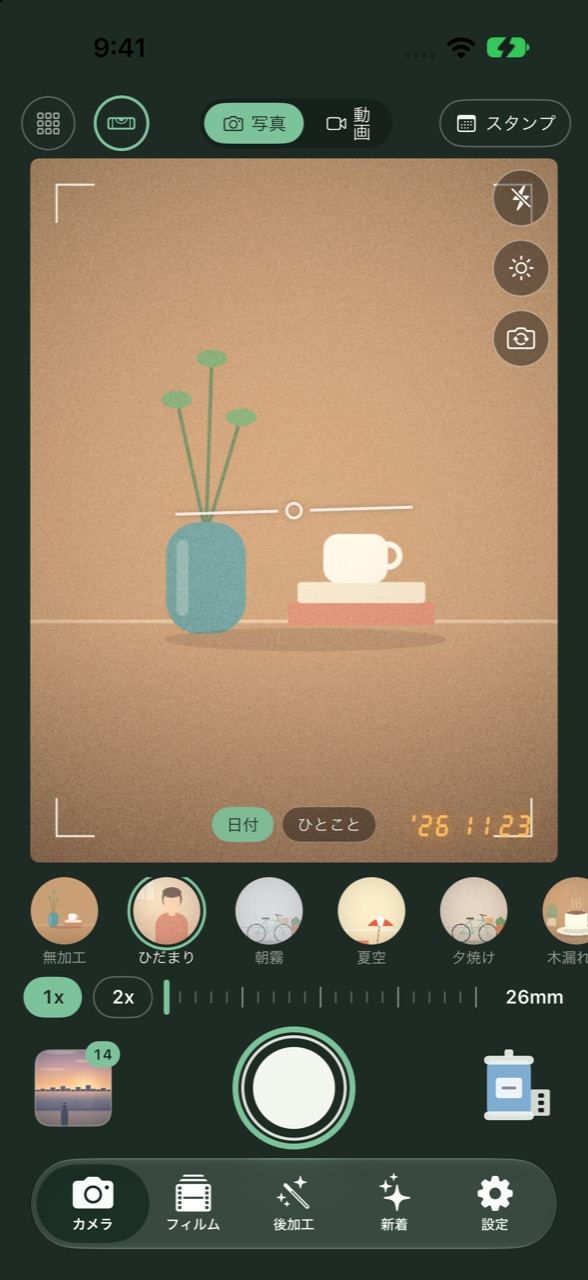
The preview shows film-style tones, grain, and light leaks as you shoot. Switch presets and the screen updates right away. You can also choose an unedited mode with no color applied.
There is no loading animation at launch. From the second launch on, the shutter fires within 1.5 seconds. The buttons are grouped at the bottom of the screen, so they are easy to reach with one hand.
Saving and film processing run in the background, so you can take the next photo right after pressing the shutter. The screen stays responsive even after 10 shots in a row. When saving finishes, the thumbnail in the lower left updates.
Choose a photo from your camera roll and add a film look or date stamp afterward. The original is not overwritten; the edited version is saved as a new photo. This also works with the 'Selected Photos Only' permission.
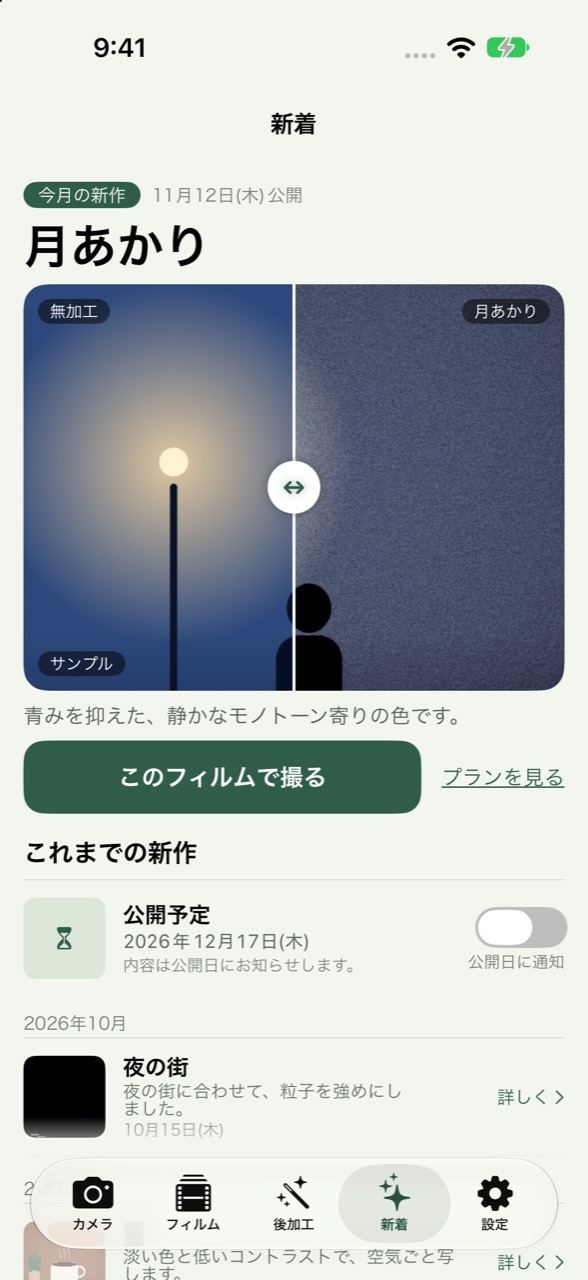
On first launch, the camera appears right away instead of a purchase screen. No account sign-up is required.
Compare sample photos in the film list and choose the one you like. You can add frequently used films to your favorites.
You can set a date or short note stamp on the camera screen before shooting. When you press the shutter, the film-style photo is saved to your camera roll.
Core features work without signing in. Optional sign-in is only for carrying your settings over when you switch devices.
Photos you take are saved to your device's camera roll and are not uploaded to the cloud. You can also turn off adding location data to photos in settings.
The purchase screen shows the difference between monthly and one-time plans, including tax-inclusive prices and whether they renew automatically. You can also check how to cancel right away from within the app.
Basic films can be used without a limit on the number of uses. The films included in the free version are summarized in one line on the plans screen.
The monthly plan renews automatically and has an expiration period. A one-time purchase is a single payment with no additional fees. Both prices, including tax, are shown on the plans screen.
From the plans screen or the settings screen, you can go in one tap to the page for restoring purchases or for cancellation steps.
Yes. Use the share button on the preview screen to send them to social media or messaging apps. Exports are at least 2048 px on the long side, so image quality is well preserved.
A camera that keeps everyday moments with the people you love in soft, film-like color